 ZPLab
ZPLabThe open-source label designer for ZPL-compatible printers.
Build labels on a canvas and print them straight to any ZPL-compatible printer. When you need the code, it is there: readable, editable, and round‑tripped byte‑for‑byte.
MIT licensed. No account required.
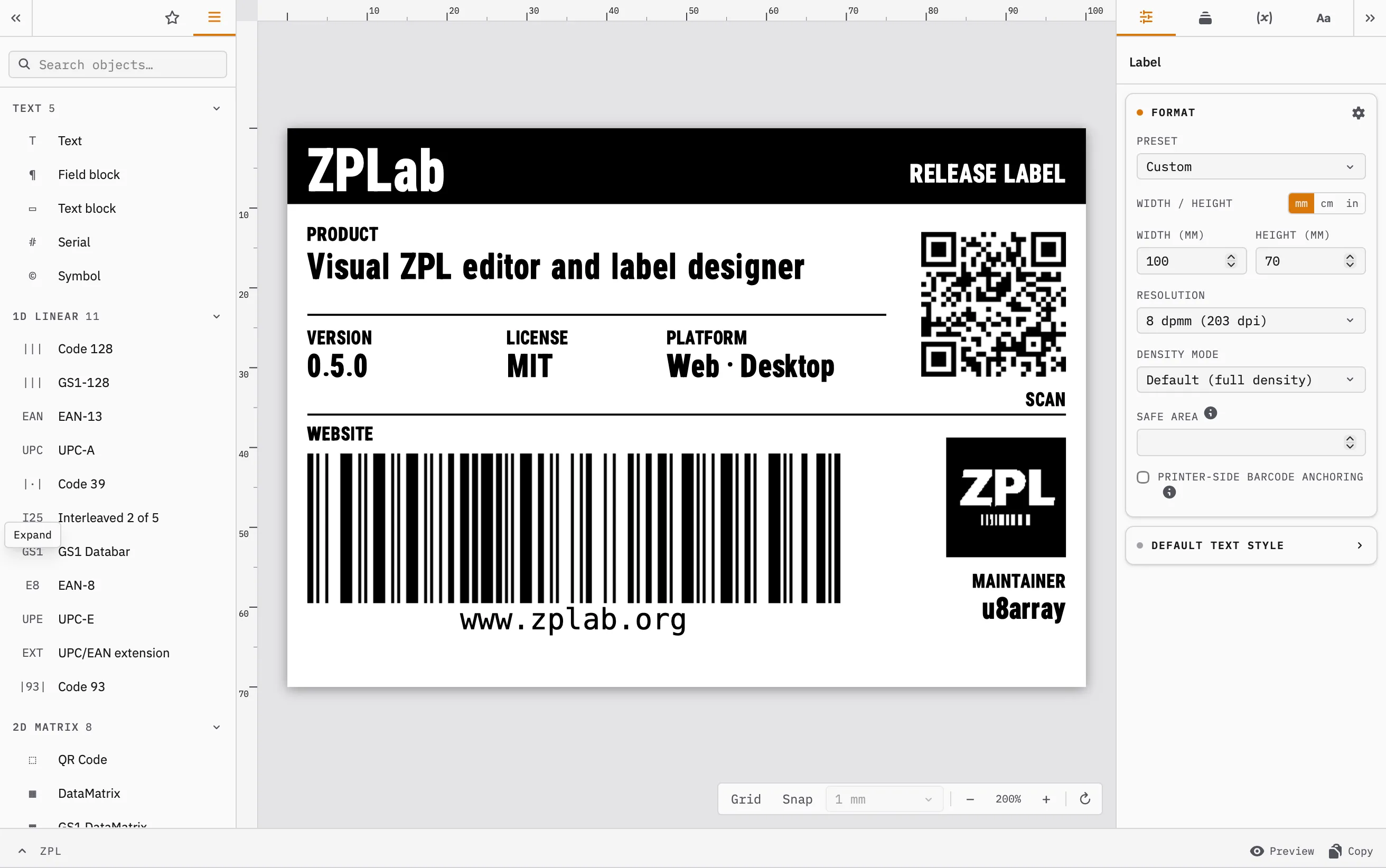
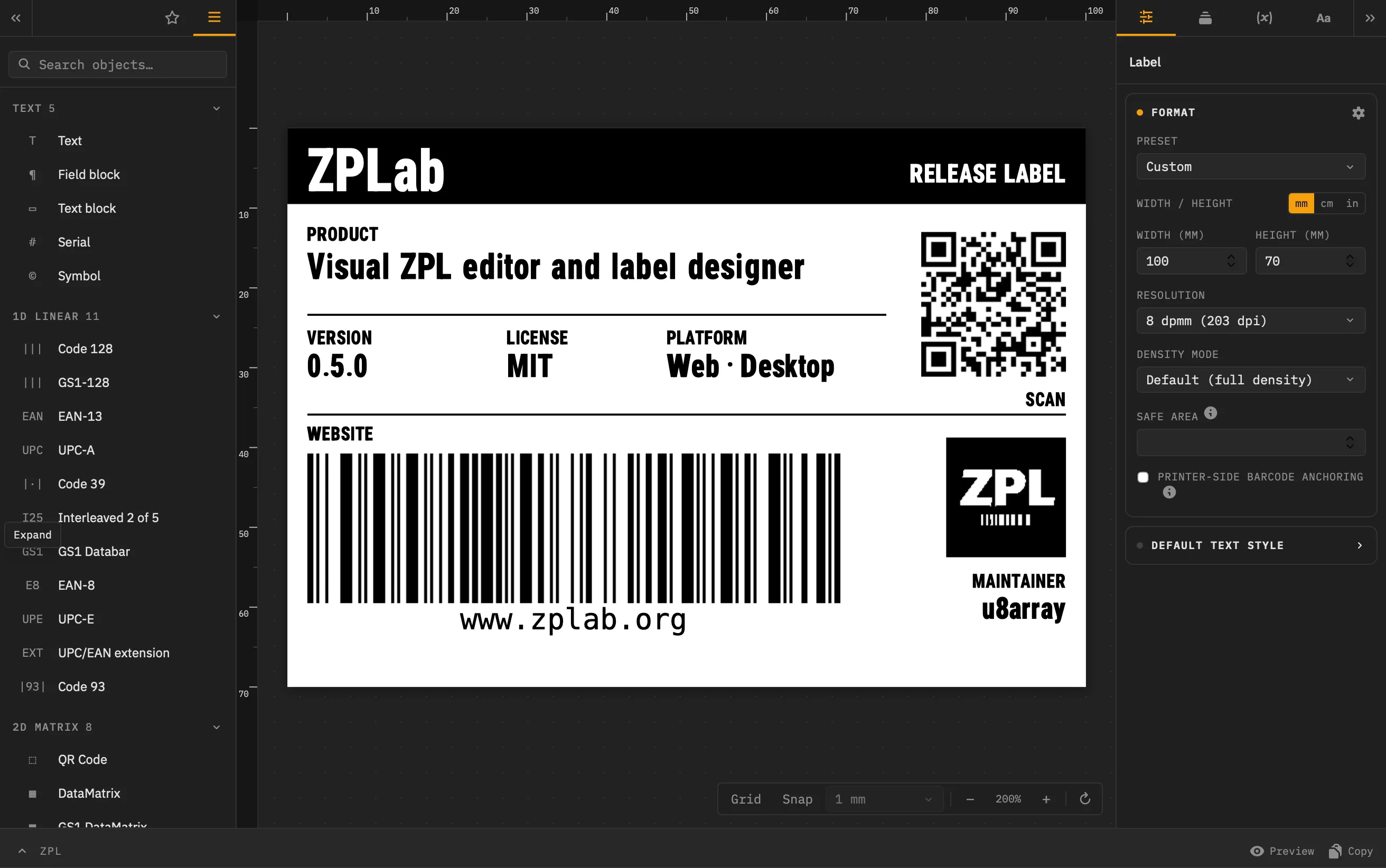
Visual designer
Drag text, barcodes, shapes, and images onto the canvas while the ZPL updates in real time and stays editable.
Byte-for-byte round-trip
Import existing ZPL and keep untouched commands, whitespace, and comments intact. An edit regenerates only what it affects, from single objects up to every page.
28 barcode symbologies
Linear, 2D, postal, and GS1 variants: Code 128, Code 39, EAN/UPC, Interleaved 2 of 5, QR, DataMatrix, PDF417, Aztec, Maxicode, GS1 DataBar, and more.
Batch printing
Map CSV columns to label variables and print one label per row. On desktop, Excel worksheets and read-only databases work the same way.
AI-driven label design
A bundled MCP server lets a local AI assistant read, build, and validate labels, and push a draft straight into the running desktop app.
Content wizards
Assemble GS1 content from Application Identifiers, or generate typed QR, Data Matrix, and Aztec payloads for URLs, WiFi, contacts, email, phone, SMS, and geo coordinates.
Validation as you type
EAN/UPC fields show a live length counter, the computed check digit, and a GS1 prefix hint; GS1 content is checked per field and against combination rules.
Live preview
Render previews through Labelary or, on desktop, directly from the connected printer’s own firmware.
32 languages
The interface ships in 32 languages, from German and French to Arabic, Hebrew, Japanese, and both Chinese scripts, switchable in the app settings.
Download the desktop app · v0.6.0
Native printing and file dialogs.
- Web (self-hosted)
- zip
Contributing
Every bug report sharpens ZPLab. Found something off, missing a ZPL feature you need, or unsure how something works? Pull requests are welcome too.